Create a new listing
Learn how to create a new listing for Adobe Connect Custom Pod on Developer Distribution.
A new listing can be created from the home page or the 'Your listings' page.
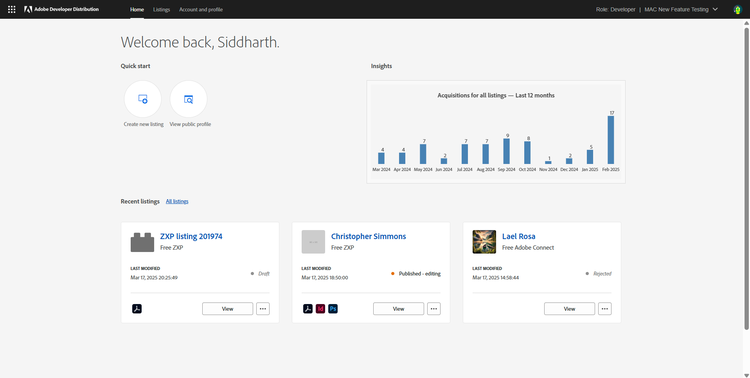
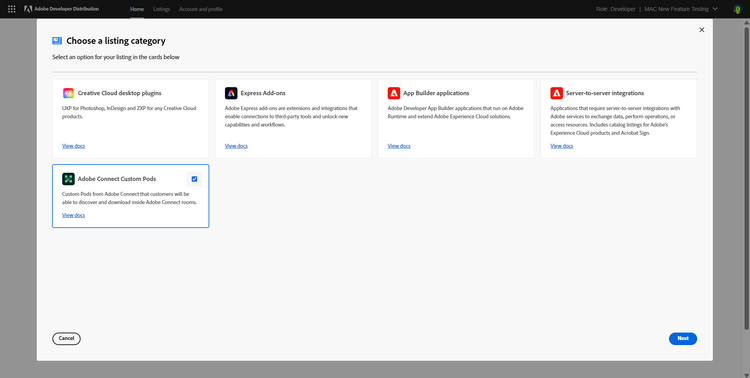
Clicking on ‘Create a new listing’ lands the developer on the modal overlay where they must choose the type of listing they want to create. Click on the 'Adobe Connect Custom Pods' Card. Click on 'Next'.
Once the listing type has been chosen, a new pod listing gets created.
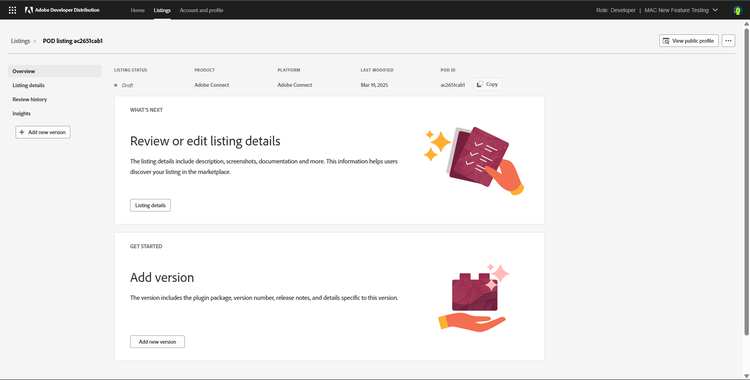
From here, the next step is to add the details of the Custom Pod listing.