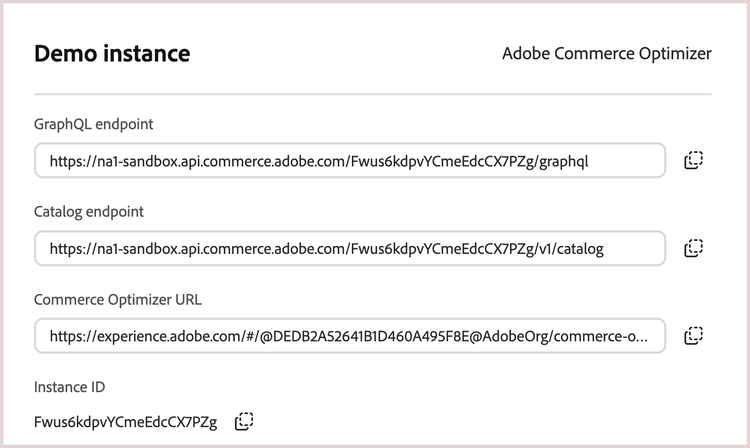
From Cloud Manager, you can find the endpoint URLs and tenant ID (instance ID) in the instance details for your Commerce Optimizer project.
-
Log in to your Adobe Experience Cloud account.
-
Under Quick access, click Commerce to open the Commerce Cloud Manager.
The Commerce Cloud Manager displays a list of instances that are available in your Adobe IMS organization.
-
To get the base URLs and instance ID, click the information icon next to the Adobe Commerce Optimizer instance name.
data-variant=info
data-slots=text
If you don't have access to Cloud Manager, you can also find the region and tenant ID from the access URL for the Adobe Commerce Optimizer application interface.