Analytics
Use hostAppTrigger to identify the action in your application that launched an Adobe Express Embed SDK workflow. This gives Adobe consistent launch attribution and gives your team a clear mapping between your app's entry points and Adobe Express workflows when reviewing analytics.
Add hostAppTrigger to your integration
Add it to appConfig.analyticsData before calling the workflow method.
1. Choose an example trigger value
The table shows example host-app actions and their corresponding values. Use the value that matches the action in your application:
hostAppTrigger value"add-image""replace-image""text-selected"These values are defined in the HostAppTrigger enumeration.
Examples
The Create with Adobe Express action below is an example of an "add-image" entry point:
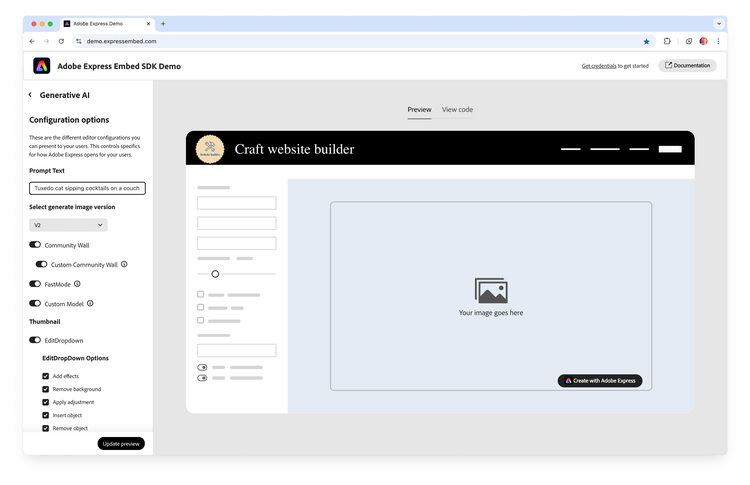
The Edit Image action below is an example of a "replace-image" entry point:
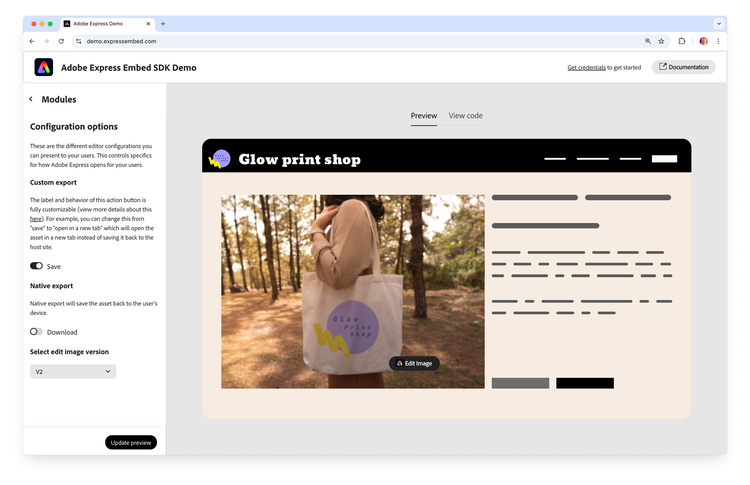
2. Add the value to appConfig and launch the workflow
Set hostAppTrigger inside analyticsData on the appConfig used for the workflow:
await import("https://cc-embed.adobe.com/sdk/v4/CCEverywhere.js");

const { module } = await window.CCEverywhere.initialize(
  { clientId: "your-client-id", appName: "your-app-name" },
  {}
);

const appConfig = {
  analyticsData: {
    hostAppTrigger: "add-image",
  },
};

module.createDesign(appConfig, exportConfig, containerConfig);
Use the same structure with other workflows and select the appropriate value from the table above.
TypeScript
If TypeScript reports that analyticsData is not part of an appConfig type, typecast appConfig. JavaScript integrations do not need the cast.
const appConfig = {
  analyticsData: {
    hostAppTrigger: "add-image",
  },
} as any;
Troubleshooting
appConfig.analyticsData.hostAppTrigger.analyticsDataappConfig as shown above.