Distribute
Prepare your hybrid plugin to be listed in the Creative Cloud Marketplace via Developer Distribution by following the general packaging guidelines.
Additionally, remember to:
- Follow the instructions regarding the plugin structure from the SDK’s README
- Sign and notarize the executables for macOS with a valid developer certificate from an Apple developer account. Self-signed/test certificates are not allowed.
- Make sure the certificate is valid for at least one year.
- Ensure the plugin works on all three architectures - Mac M1, Mac Intel, and Windows Intel. Find some tips in this guide.
data-variant=info
data-slots=text
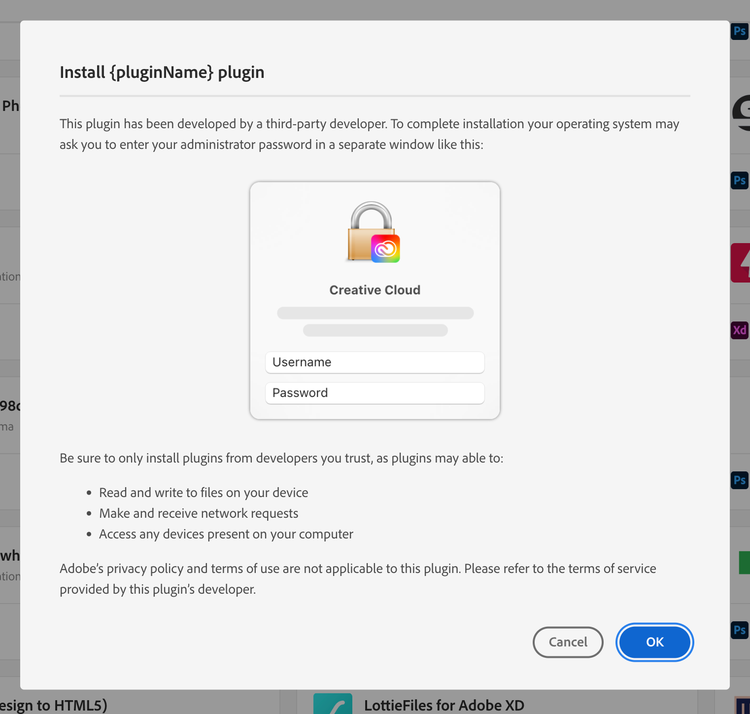
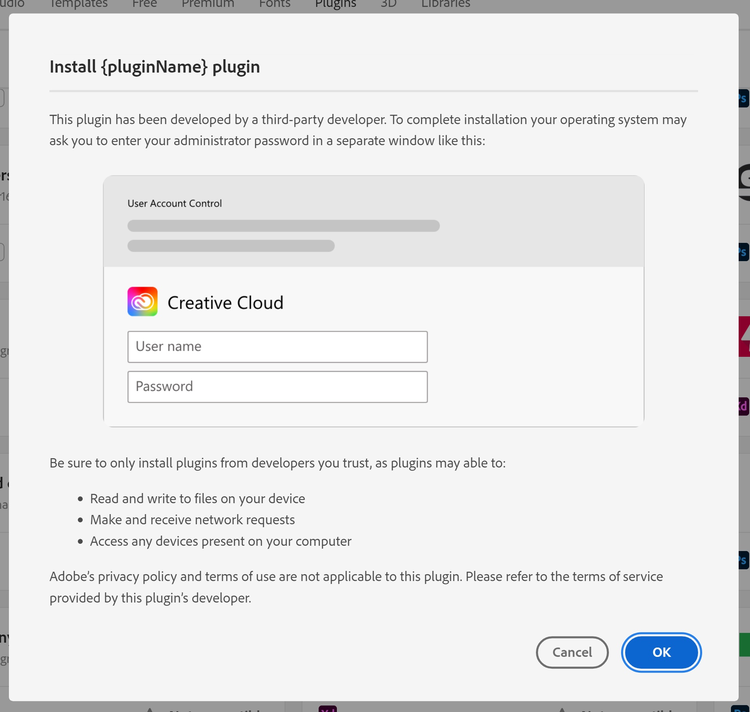
Important note: Since hybrid plugins have native capabilities, the users will be required to enter their OS admin credentials (as illustrated below) during plugin installation and update.