Create a customer
To create a default Customer, perform the following steps:
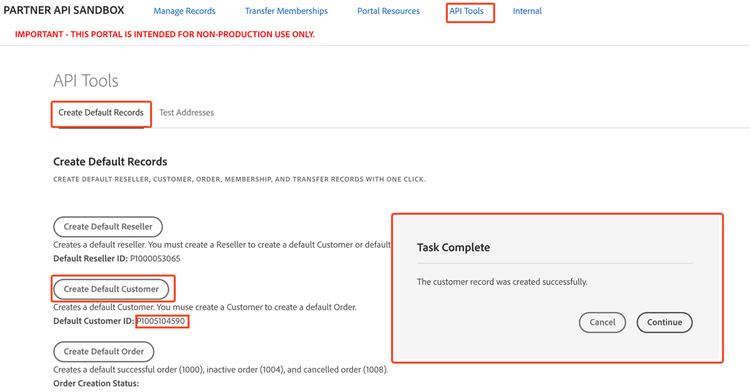
- Navigate to the API Tools tab in the Sandbox UI. The Create Default Records page is displayed.
- Select Create Default Reseller to create a reseller.
- Select Create Default Customer to create a customer. The new customer is assigned to the Reseller. A Task Complete message confirms creation and assigns a Default Customer ID.
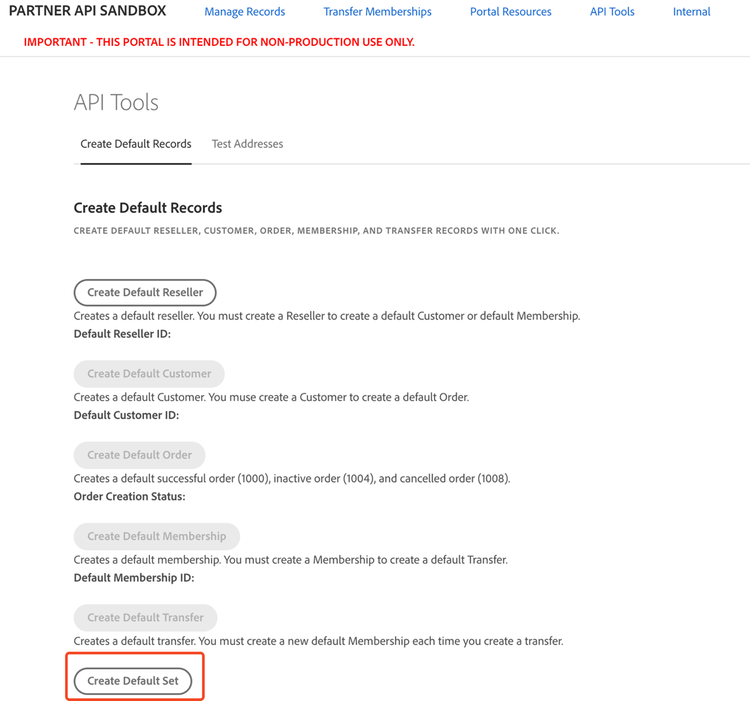
Alternatively, you can create a default customer by generating a default set of records using the Create Default Set option.