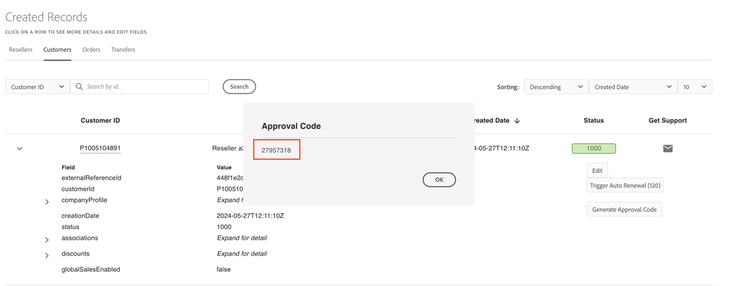
Update reseller details of a customer
To update the reseller approval code for the customer, follow these steps:
- Navigate to Manage Records > Customers
- Expand the desired customer’s details.
- Select Generate Approval Code as shown in the following figure:
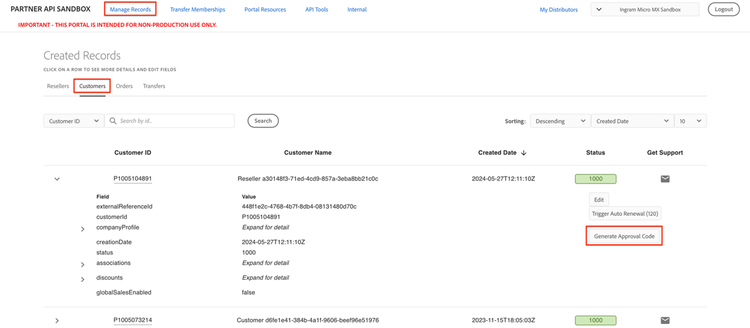
Clicking the Generate Approval Code button will display a dialog box with the approval code. This code can be used for the Reseller Change Preview and Commit Process through the provided APIs (in Postman).