Create order
Complete the following steps to create a default Order:
- Navigate to the API Tools tab in the Portal. The Create Default Records page is displayed.
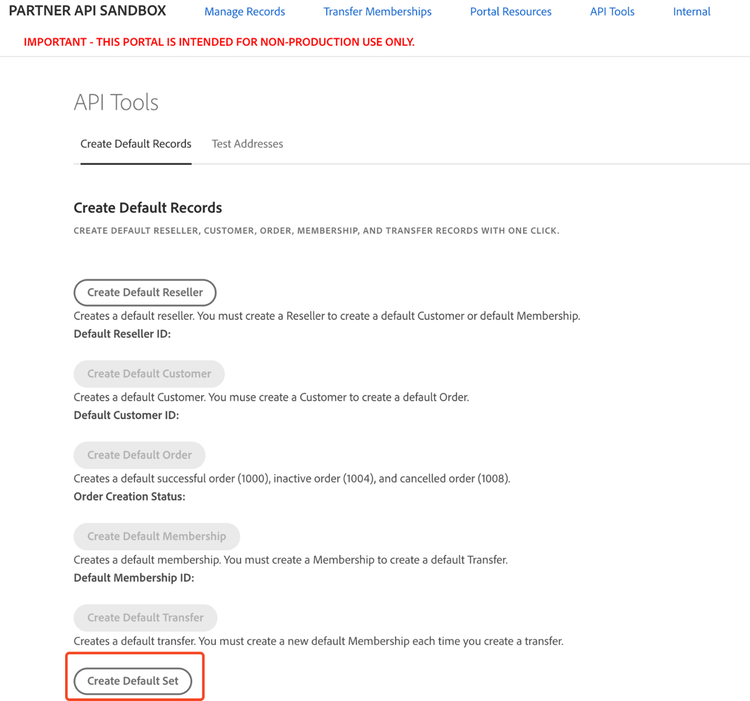
- An order with a 1000 status (success)
- An order with a 1004 status (inactive)
- An order with a 1008 status (canceled)
All orders will be assigned to the previously created customer. A confirmation message (“Task Complete”) will appear upon successful creation, and order IDs will be assigned to each new order.
Alternatively, you can create a default order as part of a full Default Set of records, which includes a reseller, a customer, an order, a membership, and a transfer. To do this, select Create Default Set. This method will also generate three orders with statuses 1000, 1004, and 1008.