data-variant=warning
data-slots=heading, text1, text2, text3
Designing a plugin experience
These guidelines will help you define the best user experience for your plugin. Based on your users workflow and the plugin action, different UX and UI patterns should be considered as you create a plugin.
Plugins can interact with the user at different levels, for example, some plugins will have quick actions which in some use cases won’t render UI, and some will include multiple actions that need UI.
Plugins in XD
Learn more about the types of Adobe XD plugins you can build.
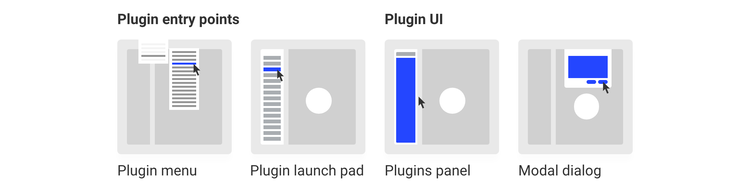
UX Patterns
User Experience patterns will provide guidence on how to interact with your plugin users within XD, this will highlight UX requirements and best practices.
User Interface
UI Resources will have information on UI components, examples and a sticker sheet you can use to build your plugin