Manage plugins in UDT
The UXP Developer Tool (UDT) keeps your development projects in one workspace. Create a project from a template or add an existing project from disk, then load it when its host application is running.
Create a plugin from a template
Select Create Plugin, choose a UDT template, and complete the project details. Build Your First Plugin walks through the complete setup.
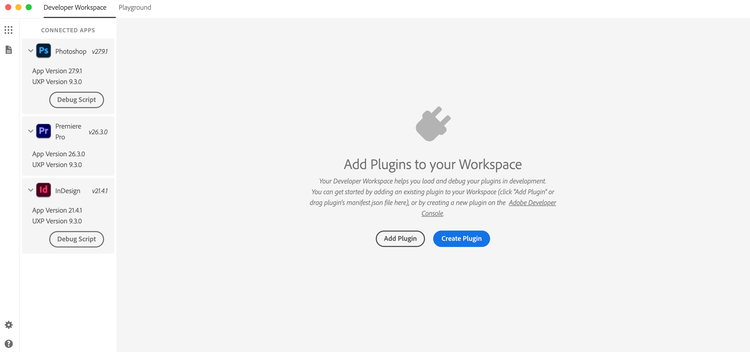
Add an existing plugin
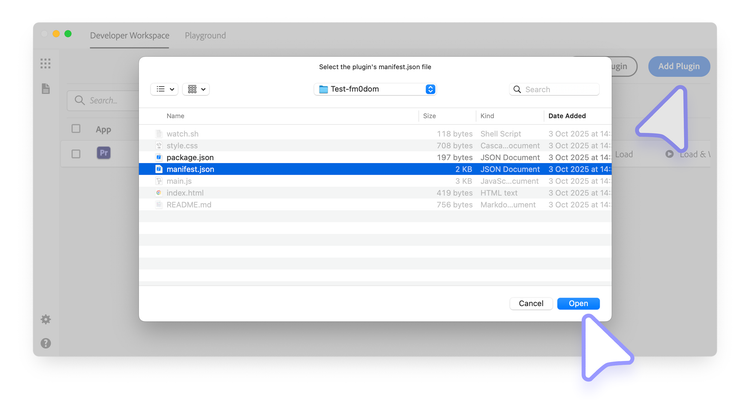
To add a project already stored on disk:
- Select Add Plugin.
- Choose the project's
manifest.jsonfile. - Select Open to add the project to the workspace.
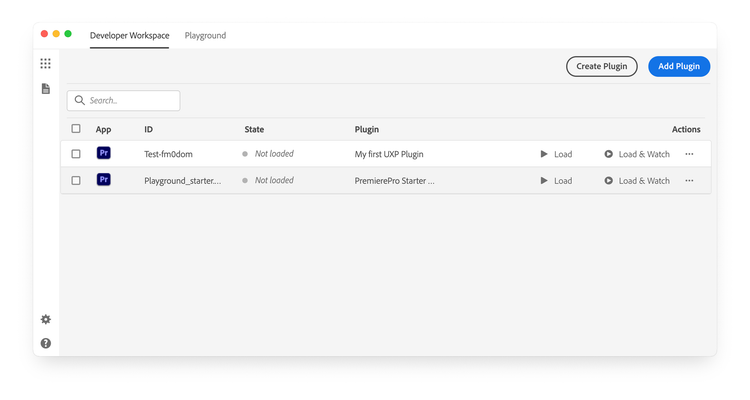
Adding a project does not load it into a host application. You can keep it in the workspace until you are ready to work with it.
Remove a plugin from the workspace
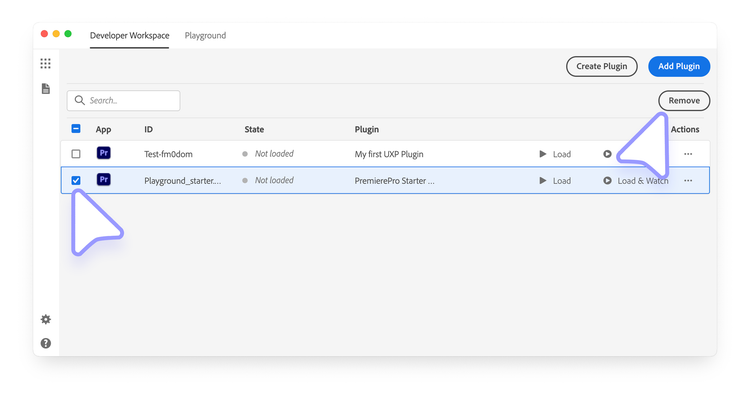
Select the checkbox beside one or more projects, then select Remove Selected in the upper-right corner.
data-variant=info
data-slots=text
Next step
After adding a project, load, watch, and debug the plugin.